当社は2026年11月17日(火)、オープンソースで公開している「Audio Studio MCP」と「Harappa」のバージョン1.2を発表いたしました。Audio Studio MCP は生成した音をチャットの中で聴けるように、Harappa は原っぱに池や滝、雨や虹を加えられるようになりました。
On Tuesday, November 17, 2026, we announced version 1.2 of two of our open-source projects. Audio Studio MCP now plays the sounds it makes right in the chat, and Harappa can add ponds, waterfalls, rain and rainbows to its meadow.
■ Audio Studio MCP v1.2|チャットの中で、すぐに聴ける
Audio Studio MCP v1.2 — Listen Right in the Chat
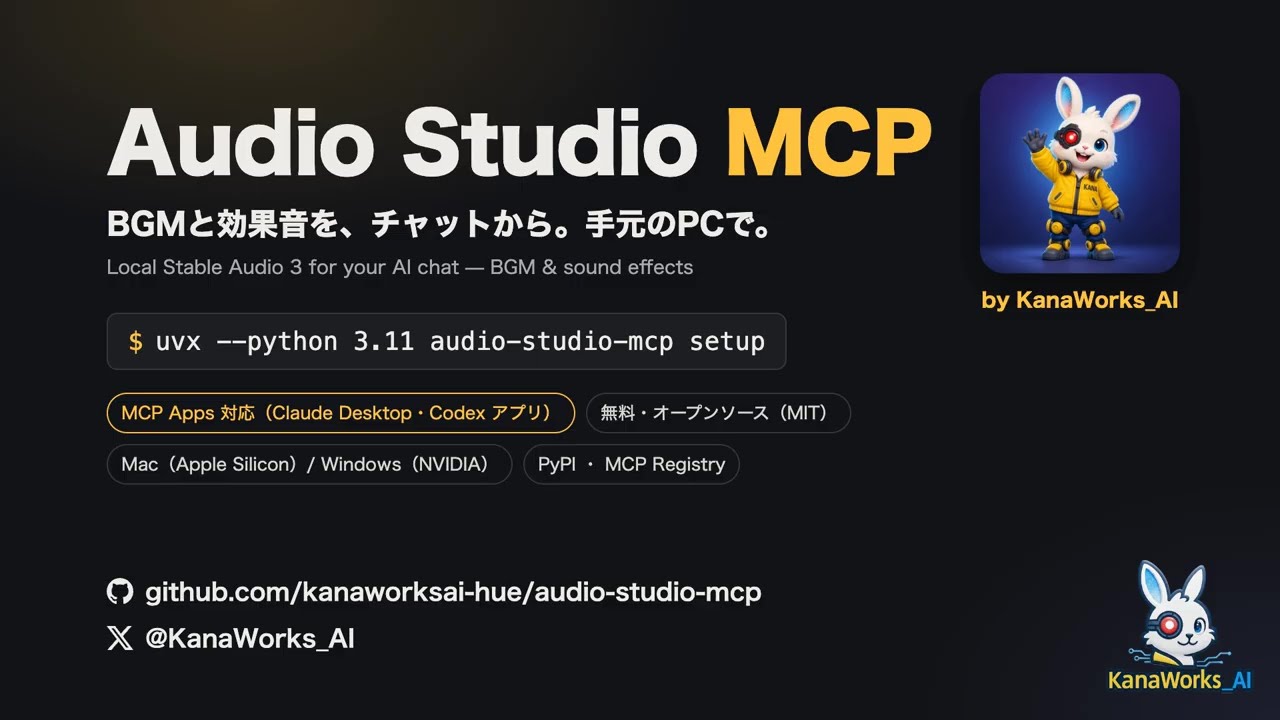
Audio Studio MCP は、Claude Code や Cursor などの MCP クライアントに、手元の Mac や Windows PC で動くサウンドスタジオを追加するツールです。普通の言葉で頼むだけで、Stable Audio 3 が BGM や効果音をローカルで生成します。
v1.2 では、生成・編集・書き出しの結果が、チャットの中にプレーヤーとして表示されるようになりました。対応するのは、Claude Desktop、Codex アプリ、Cursor、VS Code など、MCP Apps に対応したクライアントです。波形を見ながら再生・一時停止・シークができ、再生中にバージョンを切り替えれば、同じ位置から聴き比べられます。ループ再生や、終わりから頭へのつなぎ目の確認もボタンひとつ。気に入ったものを「これを使う」で AI に伝えたり、ゲームや動画向けにそのまま書き出したりもできます。プレーヤーは日本語・英語・中国語に対応し、音声ファイルは手元のマシンから外に出ません。
また v1.1 からは、PyPI からのインストールに対応しました。uvx のコマンドひとつで導入でき、公式の MCP Registry にも掲載されています。README は日本語・英語・中国語・韓国語・ポルトガル語・スペイン語の6言語になりました。Audio Studio MCP の GitHub スターは、11月17日時点で670を超えています。
Audio Studio MCP gives Claude Code, Cursor and any other MCP client a sound studio that runs on your own Mac or Windows PC. Ask in plain language, and Stable Audio 3 generates the music or sound effect locally.
In v1.2, what you generate, edit and export shows up as a player right in the chat, in clients that support MCP Apps, such as Claude Desktop, the Codex app, Cursor and VS Code. Play, pause and seek on a waveform, and switch versions while one plays to compare them from the same moment. One button loops the sound, and another plays the end into the start so you can hear the seam. Tell the assistant which version you want with Use this, or export it for a game or a video on the spot. The player speaks English, Japanese and Chinese, and your audio never leaves your computer.
Since v1.1, it also installs from PyPI with a single uvx command, and it is listed in the official MCP Registry. The README now comes in six languages: English, Japanese, Chinese, Korean, Portuguese and Spanish. As of November 17, Audio Studio MCP has more than 670 stars on GitHub.
■ Harappa 1.2|原っぱに、水辺と天気を
Harappa 1.2 — Water and Weather for the Meadow

Harappa(原っぱ)は、アニメ背景のような草原・花・空・木をボタンひとつで作れる、無料の Blender アドオンです。11月14日の公開に続く今回のアップデート「水辺と天気」で、景色に水と空模様が加わりました。
「池を追加」「小川を追加」「滝を追加」「岩を追加」のボタンひとつで水辺ができ、自分で描いたカーブも水にできます。水は低い方へ流れ、池は縁のいちばん低いところまで満ちて、そこからあふれます。滝つぼは斜面に掘り込まれ、小川は池の近くまで描けば自動でつながります。水は草原に自分で底を掘り、岸のまわりの草は自動でよけて生えます。トゥーン調の水面は、季節と画風に合わせて変わります。
池には睡蓮の葉と花、葦、岸の小石、ときどき跳ねる鯉、浮かぶ小舟。秋には落ち葉が岸に寄ります。天気は晴れ・くもり・雨・嵐を季節に重ねられ、虹や、夕暮れと夜のホタル、昼のトンボも加えられます。カメラに映る範囲だけに草と花を生やす設定も加わり、絵を変えずに草の数を半分〜5分の1に減らせます。
最新版は 1.2.1 です。以前のバージョンをお使いの方も、上書きでインストールできます。
Harappa (harappa means "meadow" in Japanese) is a free Blender add-on that builds an anime-background meadow, with grass, flowers, sky and trees, in one click. Its first update since the November 14 release, Waterside & Weather, brings water and weather to the scene.
Add Pond, Add Stream, Add Waterfall and Add Rock each take one click, and you can turn your own curves into water too. Water runs downhill: a pond fills to the lowest point of its rim and spills out there, a waterfall's plunge pool is dug into the hillside, and a stream drawn up to a pond joins it by itself. The water digs its own bed into the meadow, the grass makes room along the bank, and the toon water follows every season and paint style.
Ponds get water lilies, reeds, pebbles on the bank, koi that now and then leap out and a floating rowboat, and in autumn fallen leaves drift to the banks. Lay clear, cloudy, rainy or stormy weather over any season, and add a rainbow, fireflies at dusk and night, or dragonflies by day. A new Grass Only in Camera View option grows grass and flowers only where the camera sees, cutting the grass count to between a half and a fifth without changing the picture.
The latest version is 1.2.1, and it installs over any earlier version.
これまでに公開したプロジェクトは、オープンソースのページにまとめています。
公開したツールも、自社のゲーム・映像制作で使いながら、これからも磨き続けてまいります。
Everything we have released so far is on our open source page.
We keep using these tools in our own game and film production, and we will keep improving them.
プロジェクトのご相談・コラボレーションはお気軽に。
Have a project in mind? I'd love to hear about it.
お問い合わせ →Get in Touch →